
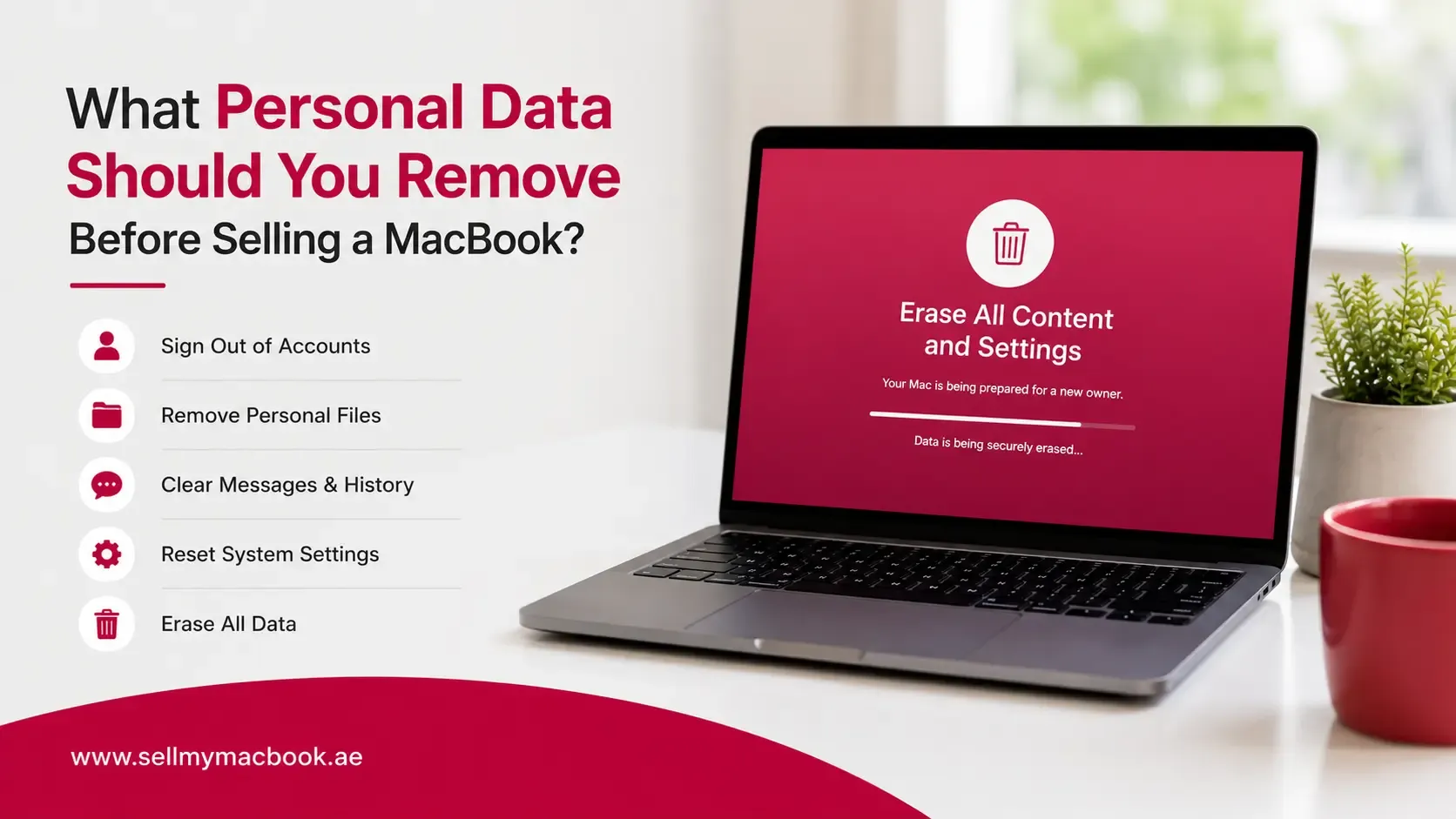
Selling a MacBook involves more than finding a buyer and handing over the device. Over time, your MacBook may store years of personal information, including photos, documents, saved passwords, browsing history, emails, work files, and account details.
Many users assume deleting a few files or logging out of one account is enough, but personal data can exist in multiple locations across macOS and connected services. If these details are not removed properly, they may create privacy risks for the previous owner and unnecessary setup issues for the new user.
Before selling your MacBook, it is important to clean the device digitally as well as physically. Removing your personal information ensures that the next owner receives a fresh device while protecting your private data.
This guide explains what personal data you should remove before selling a MacBook and the important steps to complete before handing it over.
Quick Answer
Before selling your MacBook, you should remove:
- Personal files and documents
- Photos and videos
- Apple ID and iCloud account
- Find My Mac connection
- Saved passwords
- Browser history and autofill data
- Email accounts
- Messages and communication data
- Work-related files
- Payment information
- Applications containing personal information
After removing your data, performing a complete erase and reset helps ensure the MacBook is ready for its next owner.
Key Takeaways
- Deleting a few files is not enough to fully protect your privacy.
- Your Apple ID and iCloud account must be removed before selling.
- Saved passwords and browser information can expose sensitive accounts.
- Work files and personal documents should be backed up and removed.
- Factory resetting creates a clean setup experience for the next owner.
- Removing personal data protects both your privacy and account security.
- A properly prepared MacBook is easier to transfer and sell.
Why Removing Personal Data Matters Before Selling
A MacBook often contains more personal information than users realise.
Even if you mainly use your device for everyday tasks, it may store:
- Personal photos
- Private documents
- Saved login details
- Email accounts
- Browser information
- Financial details
- Work files
- Messages and conversations
Leaving this information behind can create privacy concerns. A new owner should not have access to your accounts, files, or personal information after purchasing your MacBook.
Proper data removal also makes the ownership transfer process smoother. Buyers expect a used MacBook to work like a fresh device, allowing them to sign in with their own Apple ID and set up their preferred settings.
1. Remove Personal Documents and Files
The first step is identifying and protecting the files you want to keep before removing them.
Many users store important information across different folders without realising it.
Check locations such as:
- Documents
- Desktop
- Downloads
- Photos library
- Videos
- Notes
- PDFs
- External drives connected to the MacBook
Before deleting anything, create a backup of important files using:
- iCloud
- Time Machine
- External storage
- Cloud storage services
Important files to review include:
- Personal documents
- Tax or financial records
- Travel documents
- Certificates
- Work-related files
- Creative projects
Once your backup is complete, remove these files from the MacBook before transferring ownership.
Simply moving files to the Trash is not the final step, especially if the MacBook will be passed to another person. A proper reset process ensures the device starts fresh.
2. Sign Out of Apple ID and iCloud
Your Apple ID is one of the most important accounts connected to your MacBook.
It provides access to services such as:
- iCloud
- Photos
- Contacts
- Notes
- Find My
- App purchases
- Device backups
Before selling your MacBook, sign out of your Apple ID and remove the device from your account.
This prevents the next owner from encountering Activation Lock issues and ensures your account is no longer connected to the MacBook.
You should also check that:
- iCloud syncing is disabled
- Find My Mac is turned off
- The MacBook no longer appears in your Apple account devices list
Forgetting this step is one of the most common mistakes sellers make because the MacBook may appear functional but still remain linked to the previous owner.
3. Remove Saved Passwords and Login Information
Many MacBook users rely on saved passwords for convenience.
Over time, your device may store access information for:
- Websites
- Email accounts
- Social media platforms
- Shopping websites
- Banking services
- Work platforms
Before selling, review and remove saved login information.
Check areas such as:
- Safari passwords
- Chrome saved passwords
- Password manager applications
- macOS Keychain
Even if you believe you have logged out of websites, saved credentials may still remain stored on the device.
Removing this information reduces the risk of another person accessing your accounts.
4. Clear Browser Data
Web browsers often contain a large amount of personal information.
Before selling your MacBook, remove:
- Browsing history
- Saved passwords
- Autofill information
- Saved addresses
- Cookies
- Download history
This is especially important if you use your browser for:
- Online shopping
- Banking
- Work accounts
- Email services
Different browsers store data separately, so remember to check each browser installed on your MacBook.
For example, if you use both Safari and Chrome, clearing information from one does not automatically remove data from the other.
5. Remove Email Accounts and Messages
Your MacBook may also contain private communication data.
Before selling, remove accounts connected to:
- Apple Mail
- Gmail
- Outlook
- Other email services
Also check communication applications such as:
- Messages
- FaceTime
- Slack
- Microsoft Teams
- Other workplace applications
Emails and messages can contain sensitive information, including personal conversations, attachments, and business details.
Removing these accounts ensures the next owner cannot access previous communications.
6. Remove Financial and Payment Information
Many users store payment-related information on their MacBook without thinking about it.
Before selling, review and remove any financial details connected to the device.
This may include:
- Apple Pay information
- Saved payment cards
- Shopping account details
- Banking website sessions
- Payment information stored in browsers
- Cryptocurrency wallet applications (if applicable)
Although your banking accounts are usually protected by passwords and additional security measures, leaving saved sessions or autofill information can create unnecessary risks.
Also remember to sign out of any shopping platforms where your account may remain active, especially if you regularly use the MacBook for online purchases.
7. Remove Work and Business Data
Many people use their MacBook for professional tasks, which means the device may contain confidential work information.
Before selling, review and remove:
- Company documents
- Client files
- Business presentations
- Project folders
- Internal reports
- VPN profiles
- Workplace applications
- Cloud storage accounts
This step is especially important for freelancers, business owners, designers, developers, and remote employees who may store professional data locally.
If your MacBook was provided by an employer, check whether there are any company policies regarding device transfer or data removal before selling.
Protecting work information is just as important as protecting personal files.
Is Deleting Files Enough Before Selling a MacBook?
Many sellers wonder whether manually deleting files is enough.
In most cases, the answer is no.
Removing individual files, clearing browser history, and signing out of a few accounts may not completely prepare the MacBook for a new owner.
Personal information can remain connected through:
- User accounts
- System settings
- Apple services
- Stored applications
- Saved credentials
The safest approach is to erase the MacBook completely and restore it to a clean state.
A factory reset removes your personal data and allows the next owner to complete the setup process using their own Apple ID.
After removing your information, read our guide on factory resetting your MacBook for the complete process.
Final Security Checklist Before Handover
Before giving your MacBook to a buyer, review this checklist:
Task | Completed |
Backed up important files | ☐ |
Removed personal documents | ☐ |
Signed out of Apple ID | ☐ |
Disabled Find My Mac | ☐ |
Removed iCloud connection | ☐ |
Deleted saved passwords | ☐ |
Cleared browser data | ☐ |
Removed email accounts | ☐ |
Removed messages and communication apps | ☐ |
Deleted work-related information | ☐ |
Completed factory reset | ☐ |
Completing these steps helps ensure your personal information is removed and the MacBook is ready for a new owner.
For a complete step-by-step preparation process, read our guide on preparing your MacBook before sale.
Preparing Your MacBook for a Safe Sale
Removing personal data is one of the most important parts of selling your MacBook, but preparing the device properly involves a few additional steps.
Before listing or handing over your MacBook:
- Clean the exterior and display.
- Check battery health.
- Gather the charger and accessories.
- Note the exact model and specifications.
- Be honest about the device condition.
- Keep backup confirmation before erasing data.
A properly prepared MacBook creates more confidence for buyers and reduces the chance of problems during the selling process.
If you're planning to sell, understanding your device's current condition and market position can help you make better decisions. You can get an idea of your MacBook's value before deciding on your next step.
Frequently Asked Questions
Is deleting files enough before selling a MacBook?
No. While deleting files removes visible data, it may not remove all account connections, saved information, or system data. A complete reset is the safest option before transferring ownership.
Should I sign out of iCloud before selling my MacBook?
Yes. Signing out of iCloud and removing your Apple ID connection is essential to prevent Activation Lock issues for the next owner.
What happens if I forget to remove my Apple ID?
The MacBook may remain linked to your account through Activation Lock. This can prevent the new owner from setting up the device properly.
Should I erase my MacBook completely before selling?
Yes. A complete erase provides a cleaner and safer transfer experience and removes your personal information from the device.
Can a new owner recover my deleted files?
Simply deleting files may not always provide complete protection. Using the proper erase and reset process is recommended before selling.
What accounts should I remove before selling?
You should remove Apple ID, iCloud, email accounts, browser accounts, messaging apps, work accounts, and any other services connected to your personal information.
Do I need to remove work files before selling?
Yes. Any business documents, client information, or company data should be backed up if needed and removed before transferring ownership.
Final Thoughts
Removing personal data before selling your MacBook is one of the most important steps in the entire selling process. A MacBook can contain years of private information, and simply deleting a few files is not enough to guarantee your privacy.
By backing up important data, signing out of accounts, removing saved information, and completing a proper reset, you can ensure your device is ready for its next owner without exposing your personal details.
Taking these steps also makes the handover process smoother because buyers receive a clean MacBook that they can set up immediately.
Whether you're upgrading to a newer model or selling a device you no longer use, protecting your information should always come first.
For more guidance on preparing, valuing, and selling your device securely, visit Sell My MacBook UAE.