
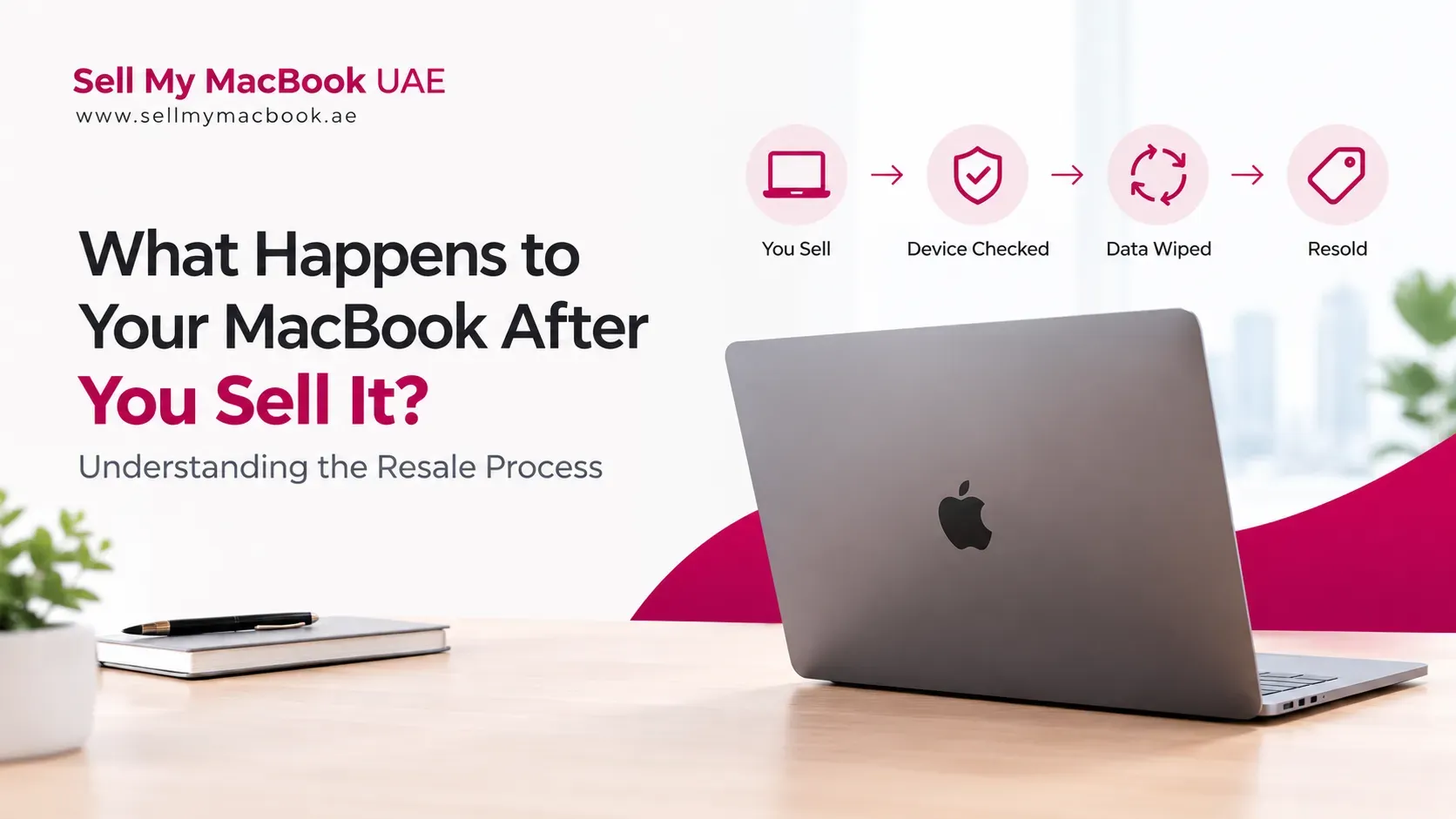
Selling your MacBook is usually thought of as the end of your ownership. Once you receive payment and hand over the device, however, the MacBook may enter a completely different stage of its lifecycle.
Depending on its condition, specifications, age, and market demand, a used MacBook can be inspected and prepared for another owner, refurbished, used for parts, or sent for responsible recycling when it is no longer practical to reuse.
Understanding what happens after the sale can also help you become a more informed seller. It explains why buyers inspect battery health, screens, keyboards, ports, storage, locks, and other components before confirming a final offer.
For sellers in Dubai and across the UAE, the resale process generally comes down to one objective: determine whether the MacBook can continue providing useful value and, if so, prepare it for its next stage.
Quick Answer: What Happens to a MacBook After You Sell It?
After you sell a MacBook, the buyer normally checks the device against the information provided during the valuation.
The process may include:
- Confirming the exact model and configuration
- Inspecting physical condition
- Testing major hardware components
- Checking battery health
- Verifying that personal accounts and device locks have been removed
- Assessing whether repairs or refurbishment are worthwhile
- Preparing the MacBook for another buyer
- Recovering usable components or recycling the device if resale is not practical
A working MacBook may therefore be resold as a used or refurbished device. A damaged MacBook may be repaired, dismantled for usable parts, or recycled depending on its condition.
Step 1: The MacBook Is Inspected
The first stage after a sale is usually verification.
A buyer or reseller needs to confirm that the MacBook matches the details used to create the original valuation.
This can include checking:
- MacBook Air or MacBook Pro model
- Chip generation
- RAM
- Storage
- Screen size
- Serial number
- Physical condition
- Battery condition
- Charger and accessories
- Previous repairs or replacements
This is important because the initial offer may have been based on information supplied by the seller.
If the actual condition differs substantially from the description, the final value may change.
Apple's own Trade In process follows a similar principle. Apple states that a device's value depends on its model and condition and that the device is inspected after receipt to verify its condition against the information provided.
Step 2: The Hardware Is Tested
A MacBook can look excellent externally while still having an underlying problem.
Professional buyers may therefore test the major functions before deciding what happens next.
Depending on the device, testing may include:
Display
The screen is checked for visible damage, display abnormalities, dead pixels, backlight problems, or other issues.
Keyboard and Trackpad
Keys, trackpad response, and other input functions can be checked for wear or faults.
Battery
Battery health and general charging performance can influence the device's resale potential.
Ports
USB-C, Thunderbolt, headphone, charging, and other available ports may be tested.
Camera, Speakers, and Microphones
These components can matter to buyers who use the MacBook for meetings, classes, content creation, and communication.
Wireless Connectivity
Wi-Fi and Bluetooth functionality may also be tested.
The purpose of this inspection is not simply to identify problems. It helps determine what the MacBook is realistically worth and whether further work is justified.
Step 3: Your Personal Data Should Be Removed
One of the most important stages of the resale process is ensuring that the previous owner's information does not remain accessible.
Ideally, the seller should already have backed up their information and signed out of their Apple Account before handing over the MacBook.
Find My and Activation Lock also need to be dealt with properly.
A MacBook that remains connected to the previous owner's account cannot simply be passed to another user as a normal resale device.
Apple specifically provides preparation instructions for Trade In and advises users to back up their data and remove personal information before sending a device for trade-in or recycling.
For this reason, sellers should never treat the data-wiping stage as something that can be ignored after the sale.
Step 4: The MacBook Is Graded
After testing, the MacBook can be assigned a condition grade or internal assessment.
A typical evaluation may distinguish between:
- Excellent condition
- Good condition
- Fair condition
- Damaged
- Faulty or for parts
The exact grading system varies between buyers.
Two MacBooks with the same chip and storage can therefore have noticeably different values if one has a clean display, strong battery, and minimal wear while the other has dents, keyboard damage, or a weak battery.
This is one reason a seller should provide accurate information when requesting a valuation.
Step 5: The Buyer Decides Whether Refurbishment Makes Sense
Not every MacBook needs refurbishment.
A relatively recent device in excellent condition may only require cleaning, testing, data erasure, and preparation for resale.
Another MacBook may require additional work.
Potential refurbishment can include:
- Battery replacement
- Screen replacement
- Keyboard repair
- Port repair
- Cleaning
- Cosmetic preparation
- Replacement of damaged components
- Software restoration
The decision depends on whether the cost of the work is justified by the MacBook's expected resale value.
A newer MacBook with a minor repair may be worth refurbishing. An older machine with several expensive faults may make more sense as a parts or recycling candidate.
Step 6: A Working MacBook May Be Resold
If the MacBook passes inspection and remains commercially useful, the next step may be resale.
The device could be sold to another:
- Student
- Freelancer
- Professional
- Small business
- Home user
- Developer
- Content creator
This is where the second-hand market creates an important benefit.
Instead of one person using the MacBook and then abandoning it after an upgrade, another user gets an opportunity to use the same hardware.
This can extend the product's useful life and create additional value from a device that would otherwise remain unused.
If you are interested in the value side of the process, our guide on how much a MacBook is worth in the UAE explains the main factors that influence resale pricing.
Step 7: Some MacBooks Are Used for Parts
A MacBook does not necessarily need to be fully functional to have value.
A damaged device may contain components that can still be useful.
Depending on the model and condition, parts such as the following may have recovery value:
- Display components
- Logic board components
- Keyboard assemblies
- Trackpads
- Speakers
- Cameras
- Ports
- Internal components
- Housing parts
A professional buyer may therefore purchase a faulty MacBook even when it cannot be resold as a complete working computer.
This is particularly relevant for devices with significant damage where repairing the entire machine would cost more than its likely resale value.
Step 8: Some Devices Eventually Go to Recycling
Not every MacBook can or should be resold.
A device that is too old, severely damaged, economically impractical to repair, or unsuitable for another owner may eventually reach the recycling stage.
Apple's UAE Trade In program states that devices that are not eligible for trade-in credit can still be recycled, and that devices received for recycling are inspected for reuse or recycling. Apple also says materials from end-of-life devices can be recovered for use in new products.
This means the lifecycle of a MacBook does not necessarily end when it stops functioning as a complete computer.
Its components and materials may still have recovery value.
Does the Original Seller Know What Happens to Their MacBook?
Usually, no.
When you sell a MacBook to a professional buyer, you generally transfer ownership of the device.
What happens afterward depends on the buyer's business model, the MacBook's condition, and market demand.
It could be:
- Cleaned and resold
- Refurbished and resold
- Sold to another reseller
- Used as a source of parts
- Sent into a recycling process
The exact destination may not be disclosed unless the buyer specifically provides information about its refurbishment or recycling practices.
This is why sellers who care about sustainability may want to ask the buyer how they handle devices that are unsuitable for direct resale.
Why Buyers Pay Different Prices for the Same MacBook
Understanding the resale process also explains why two buyers may give you different offers.
One buyer may have strong demand for your specific configuration and an established resale channel.
Another may expect significant refurbishment costs.
A third buyer may focus primarily on parts recovery.
Their expected costs and potential selling price are therefore different.
For example, a MacBook with a damaged display might receive a lower offer from a buyer who must outsource the repair, while a specialist with access to suitable replacement parts may be able to offer more.
This does not necessarily mean that one buyer is being unfair. Their assessment of the device's future value may simply be different.
What Can Sellers Do to Make the Resale Process Easier?
You can make the process more straightforward by preparing your MacBook before handing it over.
Provide Accurate Specifications
Know the exact model, chip, RAM, storage, and screen size.
Be Honest About Problems
Disclose battery issues, screen damage, dents, previous repairs, or other faults.
Back Up Your Data
Do this before starting the selling process.
Remove Personal Accounts
Sign out of your Apple Account and disable Find My as required.
Include Accessories
Keep the original charger and other relevant accessories if you still have them.
Keep Purchase Information If Available
An original invoice or purchase record may be useful in some transactions, although requirements vary between buyers.
If you are preparing the device for sale, our guide on how buyers inspect used MacBooks provides additional insight into what a buyer may evaluate.
What Happens to a MacBook Sold Through a Private Marketplace?
The process can be different when you sell directly to another individual.
Instead of a professional buyer taking ownership and handling refurbishment, the person purchasing the MacBook normally becomes the next user.
They may:
- Inspect the MacBook
- Verify its specifications
- Confirm that Activation Lock is removed
- Complete payment
- Set up their own Apple Account
- Use the MacBook themselves
The advantage is that there is less of a middle step between seller and final user.
However, the seller also has to handle communication, negotiation, meeting arrangements, payment verification, and other transaction risks.
Is Selling a MacBook Better Than Keeping It Unused?
If you no longer use your MacBook, selling it can make more sense than leaving it unused for years.
Technology continues to depreciate as newer generations appear.
A MacBook sitting in a drawer may gradually lose market value while providing no practical benefit to its owner.
Selling while it remains useful can allow another person to use it and allows you to recover part of your original investment.
If you have decided to move on from the device, you can sell your used MacBook in Dubai after comparing its current value and the available selling methods.
Key Takeaways
- Selling your MacBook is not necessarily the end of its useful life.
- Buyers typically inspect the device and verify its model, specifications, and condition.
- Battery, display, keyboard, trackpad, ports, and other components may be tested.
- Personal data and Apple Account locks must be removed before the MacBook can be properly transferred.
- A working MacBook may be cleaned, prepared, refurbished, and resold.
- A damaged MacBook may be repaired or used for parts.
- Devices that are no longer practical to reuse may eventually be recycled.
- Different buyers can offer different prices because they have different refurbishment costs and resale channels.
- Accurate specifications and honest disclosure can make the valuation process smoother.
- Selling an unused MacBook can extend its useful life by transferring it to another owner.
FAQs
What happens to my MacBook after I sell it?
The MacBook is generally inspected and assessed. Depending on its condition and market value, it may be resold, refurbished, used for parts, or recycled.
Do buyers erase my MacBook after I sell it?
Processes vary between buyers. However, personal data should be removed before the device is handed over. Sellers should back up their information, sign out of relevant accounts, and remove Activation Lock before completing the sale.
Can my MacBook be refurbished after I sell it?
Yes. A working MacBook or one with repairable issues may be cleaned, repaired, tested, and prepared for resale.
What happens to a broken MacBook?
A broken MacBook may be repaired if the economics make sense. Otherwise, useful components may be recovered for parts or the device may be sent for recycling.
Why do buyers inspect my MacBook after giving me a valuation?
An initial valuation may be based on the information you provide. A physical inspection confirms the actual model and condition before the buyer finalizes the transaction.
Can a MacBook be sold again after I sell it?
Yes. A professional reseller may refurbish and sell the MacBook to another customer if it remains commercially viable.
What happens if my MacBook is too old to resell?
An older MacBook may still have value as a parts device. If it is no longer suitable for reuse or parts recovery, responsible recycling may be the appropriate final stage.
Should I factory reset my MacBook before selling it?
Yes. You should back up important information and remove your personal data and account associations before handing over the device. Apple's own Trade In guidance includes preparation and data-removal steps for Macs.
Conclusion
Selling your MacBook does not necessarily mean that the device becomes someone else's problem or immediately enters the waste stream.
For a working MacBook, the resale process can give the device a second life. After inspection and testing, it may be cleaned, refurbished, and sold to another user. A damaged MacBook may be repaired or used for parts, while devices that have genuinely reached the end of their useful life can enter an appropriate recycling process.
For sellers, understanding this process also explains why buyers care about condition, battery health, specifications, repairs, and device locks.
Before selling, protect your personal information, provide accurate details, and compare offers based on the actual condition of your MacBook.
If you are ready to move on from a device you no longer use, Sell My MacBook UAE can be a starting point for understanding its resale options and preparing it for its next stage.