
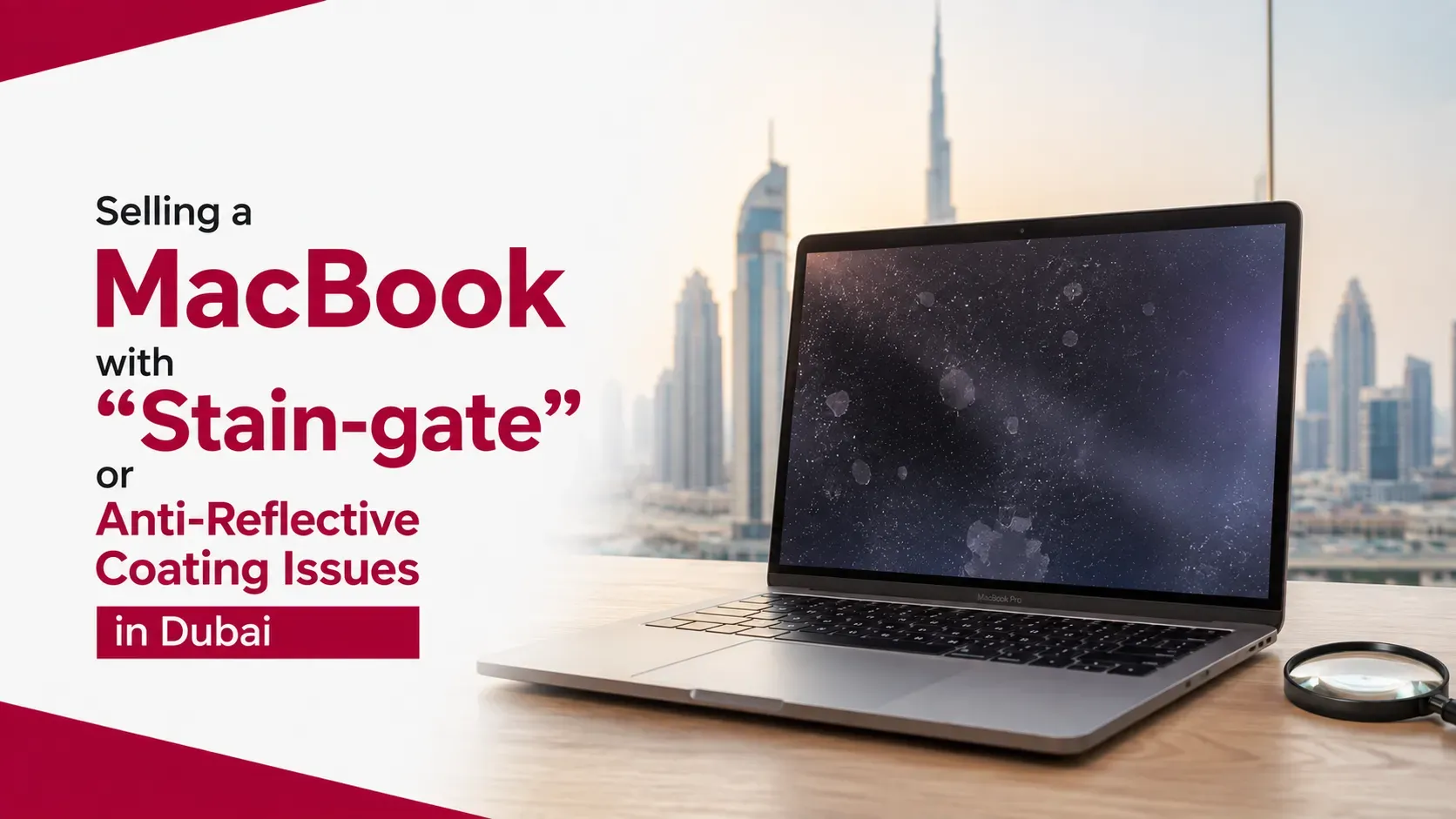
If your MacBook display has cloudy patches, worn areas or marks that remain after cleaning, you may be dealing with an anti-reflective coating issue commonly referred to as "Staingate." For owners in Dubai, the good news is that this type of screen problem does not automatically make a MacBook impossible to sell.
The effect on resale value depends on several factors, including the MacBook model, the severity of the coating damage, whether the display itself still works properly and its overall condition.
A MacBook with minor coating wear can remain attractive to buyers, while widespread deterioration combined with other faults can result in a substantially lower offer. The important thing is to understand the condition accurately before deciding whether to repair the display or sell the MacBook as-is.
Quick Answer: Can You Sell a MacBook With Staingate?
Yes, you can sell a MacBook with anti-reflective coating damage in Dubai.
Staingate generally refers to deterioration of the display's anti-reflective coating. It can appear as cloudy patches, discoloured-looking areas, shiny spots or uneven sections on the screen.
The issue is different from a cracked or completely failed display. If the LCD or display panel still produces a normal image, the MacBook can retain meaningful resale value.
However, buyers will usually consider the screen condition when making an offer. A small area of coating damage may have a limited effect, while severe deterioration across most of the display can reduce the value considerably.
If you want to establish a starting point before deciding what to do, you can check your MacBook's value in the UAE and compare the potential value against the cost of repairing the screen.
What Is MacBook Staingate?
"Staingate" is an informal term commonly used to describe deterioration of the anti-reflective coating found on certain MacBook displays.
Instead of the display glass simply becoming dirty, affected areas may develop visible patches or marks that remain after normal cleaning.
Common signs include:
- Cloudy or hazy patches
- Uneven areas across the display
- Shiny spots where the coating has worn away
- Marks around areas that regularly contact the keyboard
- Peeling or deteriorating coating
- Visible differences in the screen surface under bright light
Not every mark on a MacBook screen is Staingate. Dirt, scratches, pressure marks, liquid damage and display defects can create similar-looking symptoms.
The distinction matters because the repair options and resale impact can be very different.
How Does Anti-Reflective Coating Damage Affect MacBook Resale Value?
Screen condition is one of the factors buyers consider when evaluating a used MacBook.
The impact of coating damage generally depends on its severity.
A MacBook with a few small marks that are barely noticeable during normal use may retain considerably more value than one where large sections of the display have visible coating deterioration.
Buyers may consider:
- How much of the screen is affected
- Whether the issue is visible during normal use
- Whether brightness works correctly
- Whether the display has dead pixels
- Whether there are lines or flickering
- Whether the glass is cracked
- The MacBook's age and model
- Battery and physical condition
For a broader explanation of how physical condition influences pricing, see our guide to MacBook condition and resale value in Dubai.
The important point is that Staingate is only one part of the valuation. A newer MacBook in excellent overall condition may still have strong resale potential despite a cosmetic screen issue.
Staingate vs Cracked MacBook Screen: What's the Difference?
These two problems should not be treated as the same thing.
Screen Condition | Potential Resale Impact |
|---|---|
Minor coating marks | Low to moderate |
Noticeable coating wear | Moderate |
Heavy coating deterioration | Moderate to significant |
Dead pixels or display lines | Higher reduction |
Cracked display | Significant reduction |
Non-functional display | Major reduction |
These are general categories rather than fixed deductions.
A buyer may value two MacBooks with apparently similar screen problems very differently because of their model, specifications, battery health and overall condition.
A fully functional display with cosmetic coating damage can therefore remain considerably more valuable than a MacBook with an actual display failure.
Should You Repair the Anti-Reflective Coating Before Selling?
Repairing the screen before selling is not automatically the best financial decision.
The first step is to compare the potential increase in resale value with the repair cost.
A simple calculation is:
Expected value after repair − repair cost = potential net value
For example, if a MacBook could sell for AED 1,500 with the screen repaired but only AED 1,250 with the coating issue, spending AED 400 on the repair would not necessarily make financial sense.
Repair pricing also varies by MacBook generation and the repair method used. Some coating-related repairs may be considerably less expensive than replacing an entire display assembly, but the appropriate solution depends on the exact screen and damage.
For an older MacBook, spending heavily on a display repair can be difficult to justify. For a newer, higher-value model, repairing a cosmetic display issue may make more sense.
Can You Sell a MacBook If the Screen Still Works?
Yes.
A MacBook does not need to have a perfect display to have resale value.
If the screen still displays images correctly, has normal brightness and does not suffer from dead pixels or lines, the problem may primarily be cosmetic.
This can be particularly relevant for owners of higher-value MacBook Pro models. A newer MacBook Pro with coating damage may still be worth considerably more than an older MacBook with a perfect display.
The best approach is to describe the condition accurately rather than attempting to hide the affected areas.
A transparent description can help prevent disagreements during inspection and gives buyers a clearer idea of what they are purchasing.
How Buyers Inspect a MacBook With Screen Coating Damage
If you are preparing to sell, you can inspect the screen yourself before requesting an offer.
Start by opening a white webpage or document because coating problems can be easier to notice against a light background.
Then check:
- The entire display for uneven patches
- Brightness at different levels
- Dead pixels
- Horizontal or vertical lines
- Flickering
- Cracks or physical damage
- Areas where the coating appears worn
- Whether the marks remain after gentle cleaning
Avoid aggressive cleaning or abrasive products. Attempting to remove the coating yourself can create additional cosmetic damage and potentially make the MacBook harder to sell.
Is It Better to Sell As-Is or Repair First?
The right decision depends on the MacBook's age, value and repair cost.
Sell As-Is When:
- The MacBook is several years old
- The coating issue is mainly cosmetic
- Repair costs are relatively high
- The device has additional wear
- You want a faster selling process
Consider Repairing When:
- The MacBook is relatively new
- The display is otherwise in excellent condition
- The repair is reasonably priced
- The expected increase in value exceeds the repair cost
Do not assume that a repaired MacBook will automatically recover the full amount spent on the repair. Buyers also consider the device's age and other components.
How to Sell a MacBook With Staingate in Dubai
Before selling, gather the information a buyer will need to evaluate the device.
Check your:
- Exact MacBook model
- Chip or processor
- RAM
- Storage
- Battery condition
- Screen condition
- Physical condition
- Charger and accessories
Take clear photographs showing the affected display area. If you are requesting an online valuation, accurate photos can help provide a more realistic initial assessment.
You should also sign out of your Apple Account, disable Find My and remove your personal information before handing over the MacBook.
If you have decided not to repair the display, you can sell your MacBook in Dubai while clearly disclosing the coating condition.
Does Staingate Make an Old MacBook Worthless?
No.
Even an older MacBook with coating damage may retain value if the rest of the device works properly.
Its remaining value can come from several areas:
- Continued usability
- Hardware specifications
- Refurbishment potential
- Parts value
- Demand for inexpensive MacBooks
However, an old MacBook with severe coating damage, poor battery health and multiple hardware problems may have limited resale value.
This is why it is better to evaluate the complete device rather than focusing on one defect.
Key Takeaways
- You can sell a MacBook with Staingate or anti-reflective coating damage in Dubai.
- Coating deterioration is different from a cracked or non-functional display.
- Minor screen coating damage may have a smaller impact on value.
- Severe coating deterioration can lead to a lower buyer offer.
- Newer and higher-spec MacBooks can still retain strong value despite cosmetic screen issues.
- Repairing the coating is not always financially worthwhile.
- Compare the expected post-repair value with the repair cost.
- Never use aggressive cleaning methods to remove coating damage.
- Disclose the screen condition before completing a sale.
- A professional inspection can provide a more realistic valuation.
Frequently Asked Questions
Can I sell a MacBook with Staingate in Dubai?
Yes. A MacBook with anti-reflective coating damage can still have resale value, particularly when the display itself works properly.
Does Staingate reduce MacBook resale value?
Usually, yes. Buyers generally consider screen condition when valuing a used MacBook. The reduction depends on how widespread and noticeable the coating damage is.
Is Staingate the same as a cracked screen?
No. Staingate generally describes deterioration of the anti-reflective coating, while a cracked screen involves physical damage to the display surface or assembly.
Should I remove the anti-reflective coating before selling?
You should not attempt an aggressive DIY removal simply to improve resale value. An uneven or poorly performed treatment can make the display look worse and potentially reduce its value further.
Is it worth repairing Staingate before selling?
It depends on the MacBook's value and repair cost. If the repair costs nearly as much as the additional value it creates, selling the MacBook as-is may be more practical.
Can a MacBook with screen stains still be sold if everything else works?
Yes. If the screen displays normally and the problem is primarily cosmetic, the MacBook can still appeal to buyers who are comfortable with the condition.
Conclusion
Staingate or anti-reflective coating damage does not automatically mean your MacBook has no resale value in Dubai.
The most important distinction is between cosmetic coating deterioration and a genuine display failure. If the screen still works correctly and the MacBook is otherwise in good condition, it can remain attractive to buyers despite visible coating damage.
Before paying for a repair, compare the expected increase in resale value with the actual repair cost. This is particularly important with older MacBooks, where a significant display repair may represent a large percentage of the device's total value.
For newer or higher-spec MacBooks, repairing the issue can sometimes make more financial sense, but there is no universal answer. The exact model, specifications, battery condition and severity of the screen problem all matter.
Ultimately, the best approach is to assess the complete MacBook honestly, understand its current market value and then decide whether repairing or selling as-is makes more sense. If you want a straightforward starting point, Sell My MacBook UAE can help you assess the device before deciding what to do next.