
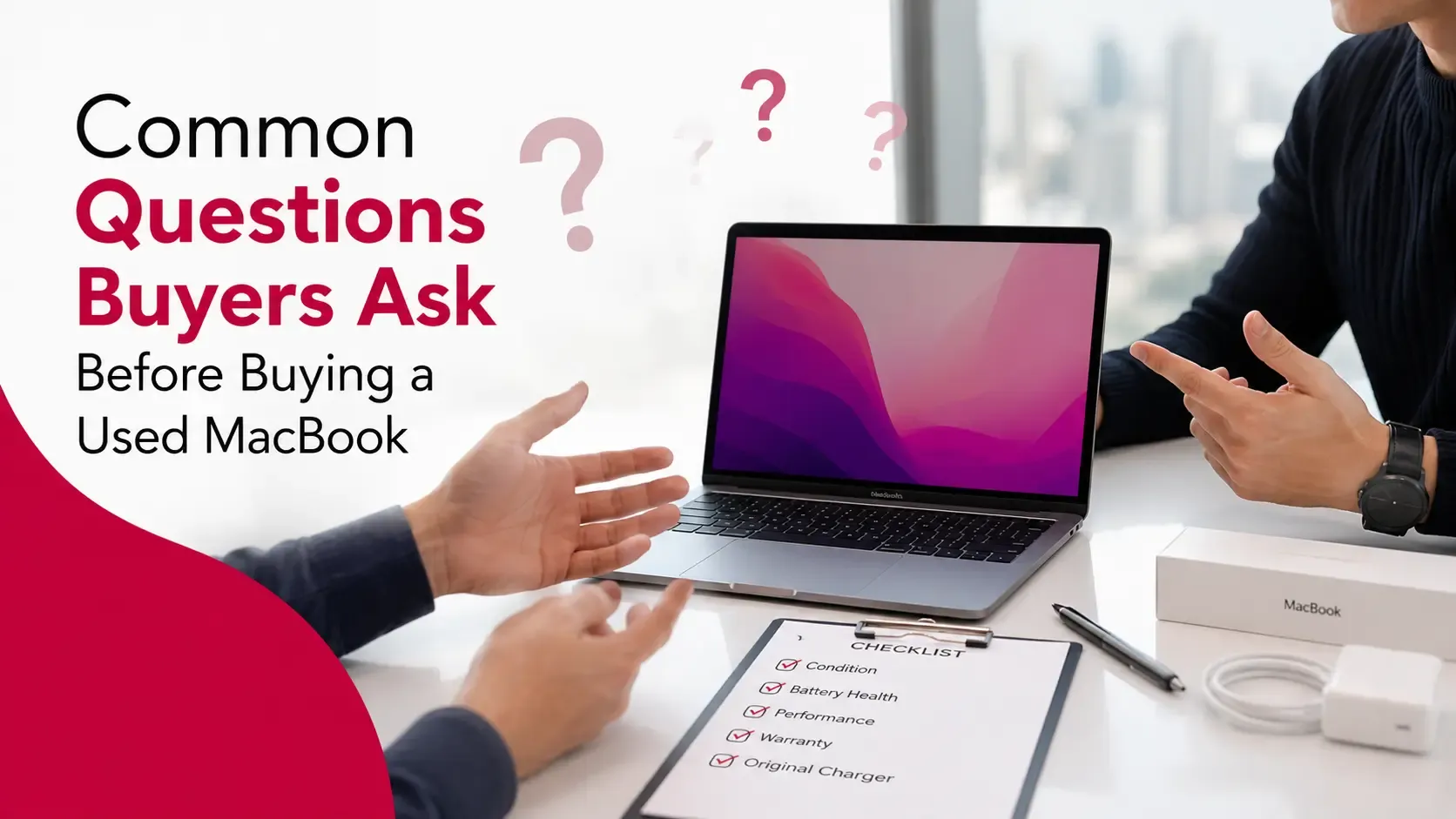
Buying a used MacBook can be an excellent way to save money while still enjoying Apple's performance, build quality, and long software support. However, unlike purchasing a brand-new device, buying a second-hand MacBook requires a little more research.
The right questions can help you avoid unexpected repair costs, verify that the MacBook is genuine, and determine whether the asking price is fair. They also help you understand how well the device has been maintained and whether it suits your needs.
For sellers, knowing what buyers typically ask is equally important. Being prepared with clear answers, supporting information, and a well-presented MacBook builds trust and often leads to a faster sale.
This guide covers the most common questions buyers ask before purchasing a used MacBook and explains why each one matters.
Quick Answer: Questions to Ask Before Buying a Used MacBook
Before buying a used MacBook, buyers should ask about:
- The MacBook model and year
- Processor, RAM, and storage
- Battery health and cycle count
- Repair and service history
- Apple ID and Activation Lock status
- Physical condition
- Warranty or AppleCare coverage
- Included accessories
- Reason for selling
The answers to these questions help buyers make informed decisions and reduce the risk of purchasing a problematic device.
Key Takeaways
- Asking the right questions helps you avoid costly surprises.
- Battery health and overall condition are among the most important factors to check.
- Always confirm that Activation Lock has been removed.
- Ask about previous repairs and replacement parts.
- Verify the MacBook's specifications before agreeing on a price.
- Honest, detailed answers usually indicate a trustworthy seller.
- Sellers who prepare for common questions often complete sales more quickly.
Why Asking Questions Before Buying a Used MacBook Matters
Unlike a new MacBook, every used device has its own history.
Two MacBooks with identical specifications can differ significantly in terms of:
- Physical condition
- Battery performance
- Repair history
- Remaining warranty
- Overall value
Simply looking at photos or reading a product description isn't enough.
Asking the right questions helps buyers:
- Verify the seller's claims.
- Understand the true condition of the device.
- Identify potential issues before purchasing.
- Decide whether the asking price is reasonable.
For sellers, answering these questions confidently creates trust and reduces unnecessary back-and-forth during negotiations.
Common Questions Buyers Should Ask
What MacBook Model and Year Is It?
The first question most buyers ask is about the exact MacBook model.
Knowing the model year helps determine:
- Processor generation
- Expected software support
- Performance
- Current market value
Instead of asking only whether it's a "MacBook Pro" or "MacBook Air," buyers should request the complete model information.
For example:
- MacBook Air M2 (2022)
- MacBook Pro M3 Pro (2023)
This makes comparing prices much easier.
What Processor Does It Have?
The processor plays a major role in performance and resale value.
Buyers should ask whether the MacBook uses:
- Intel processor
- Apple M1
- Apple M2
- Apple M3
- Apple M4
- Apple M5
Apple Silicon models generally offer:
- Better battery life
- Faster performance
- Lower heat generation
- Longer expected software support
Understanding the processor also helps buyers decide whether the MacBook meets their work requirements.
How Much RAM and Storage Does It Have?
Not every MacBook with the same processor has identical specifications.
Ask about:
- RAM capacity
- SSD storage size
For example:
- 8GB RAM or 16GB RAM
- 256GB or 512GB SSD
Higher specifications may justify a higher asking price and can improve long-term usability.
What Is the Battery Health?
Battery health is one of the most important questions buyers should ask.
A MacBook with a healthy battery is likely to provide:
- Longer battery life
- Better portability
- Lower maintenance costs
Ask the seller for:
- Battery health
- Cycle count
- Any battery service recommendations
Screenshots from the Battery Information or System Information section can help verify these details.
Has the MacBook Ever Been Repaired?
Repairs don't automatically make a MacBook a poor purchase.
However, buyers should understand:
- What was repaired
- When the repair was completed
- Whether genuine parts were used
- Who performed the repair
A professionally repaired MacBook may still be an excellent purchase, while undocumented repairs should encourage buyers to ask additional questions.
Is the MacBook Signed Out of Apple ID?
Before completing a purchase, buyers should confirm that the previous owner has removed their Apple ID.
If the MacBook remains linked to the seller's Apple account, the new owner may experience difficulties setting up or using the device.
The seller should confirm that they have:
- Signed out of iCloud.
- Removed the MacBook from their Apple account.
- Disabled Find My Mac.
This is an essential step before handing over the device.
Is Activation Lock Disabled?
Activation Lock is designed to protect Apple devices from unauthorized use.
Buyers should confirm that:
- Activation Lock is disabled.
- The MacBook is ready to be activated by the new owner.
- No previous Apple account remains connected.
If the seller cannot demonstrate this, buyers should proceed carefully.
Are There Any Scratches, Dents, or Screen Issues?
The cosmetic condition of a MacBook can affect both its value and long-term usability.
Buyers should ask about:
- Scratches on the lid or base
- Dents around the corners
- Cracks or chips
- Dead pixels
- Screen discoloration
- Keyboard wear
- Trackpad condition
Requesting clear, high-resolution photos from multiple angles can help identify cosmetic issues before arranging a meeting.
For a more detailed evaluation process, read our guide on how buyers inspect a used MacBook.
What Accessories Are Included?
Accessories don't usually have a major impact on performance, but they can improve the overall value of the purchase.
Ask whether the MacBook includes:
- Original charger
- Charging cable
- Original box
- Documentation
- Protective sleeve or case
A complete package often gives buyers greater confidence that the MacBook has been well cared for.
Does It Still Have Warranty or AppleCare?
If the MacBook still has active Apple warranty or AppleCare+, it can be an added benefit.
Ask the seller:
- Is any warranty still active?
- Does AppleCare+ remain valid?
- When does the coverage expire?
Although warranty shouldn't be the deciding factor, it can provide additional peace of mind, especially when purchasing a newer MacBook.
Why Are You Selling the MacBook?
This simple question often provides useful context.
Common reasons include:
- Upgrading to a newer MacBook
- Switching to another computer
- No longer needing the device
- Receiving a work laptop
- Relocating
Most genuine sellers are happy to explain why they're selling their MacBook.
Can I Inspect and Test the MacBook Before Buying?
Whenever possible, buyers should inspect the MacBook before completing the purchase.
A short hands-on inspection allows you to verify:
- Display quality
- Keyboard functionality
- Trackpad responsiveness
- Speakers
- Camera
- Wi-Fi and Bluetooth
- Ports
- Battery charging
- Overall performance
Testing the device helps ensure it matches the seller's description.
Questions Sellers Should Be Ready to Answer
Being prepared for buyer questions makes the selling process smoother.
Sellers should know details such as:
- Exact MacBook model
- Processor
- RAM
- Storage
- Battery health
- Repair history
- Warranty status
- Included accessories
Providing accurate information from the beginning builds trust and often reduces lengthy negotiations.
Red Flags Buyers Should Watch For
Not every listing represents a good purchase.
Be cautious if the seller:
- Refuses to answer basic questions.
- Won't allow inspection or testing.
- Avoids sharing the MacBook specifications.
- Cannot explain previous repairs.
- Leaves Activation Lock enabled.
- Uses poor-quality or limited photos.
- Lists the MacBook at an unrealistically low price.
A low price may be genuine, but it should always encourage buyers to ask additional questions before proceeding.
Final Checklist Before Buying a Used MacBook
Before completing the purchase, make sure you can answer "yes" to the following questions:
- Have I confirmed the exact MacBook model and year?
- Have I checked the processor, RAM, and storage?
- Do I know the battery health and cycle count?
- Has the seller explained any previous repairs?
- Is Apple ID completely removed?
- Is Activation Lock disabled?
- Have I inspected the MacBook or reviewed detailed photos?
- Does the asking price match the device's condition?
Understanding MacBook condition grades can also help you compare listings more accurately and decide whether the asking price is reasonable.
For sellers, preparing answers to these questions before creating a listing can save time and help buyers feel more confident. It's also a good idea to read our guide on removing personal data before selling to ensure your information is securely erased before handing over the device.
If you're planning to sell rather than buy, taking a few minutes to estimate your MacBook's resale value can help you set a realistic asking price.
Frequently Asked Questions
What is the most important question to ask before buying a used MacBook?
Battery health, Apple ID status, and the overall condition are among the most important factors because they directly affect usability and future costs.
Should I ask for the MacBook's serial number?
Yes. The serial number helps verify the model, specifications, and warranty information where applicable.
How do I check battery health on a MacBook?
The seller can view battery information through macOS System Information or Battery Settings and provide screenshots if requested.
Is a repaired MacBook worth buying?
It can be. Professionally repaired MacBooks using quality parts may still offer excellent value. Always ask what was repaired and who carried out the work.
Should I meet the seller before buying?
Whenever possible, yes. Inspecting and testing the MacBook in person helps confirm its condition and functionality.
What if the MacBook is still linked to an Apple ID?
The seller should remove their Apple ID and disable Activation Lock before the sale. Buyers should avoid purchasing a MacBook that remains locked to another account.
Can a seller refuse an inspection?
A seller can refuse, but buyers should be cautious. Genuine sellers are usually willing to answer questions and allow reasonable inspection or testing.
Final Thoughts
Buying a used MacBook can be a smart investment, but asking the right questions is essential. Understanding the MacBook's history, condition, specifications, battery health, and account status helps buyers make informed decisions while reducing the risk of unexpected problems.
For sellers, being transparent and prepared with accurate information creates trust and often results in a faster, smoother transaction. Clear answers, detailed photos, and a well-prepared device can make a significant difference when attracting serious buyers.
If you're preparing to upgrade, taking the time to sell your MacBook in Dubai through a trusted platform can make the process simple and efficient.
For more expert advice on MacBook valuation, preparation, and resale, visit Sell My MacBook UAE.