
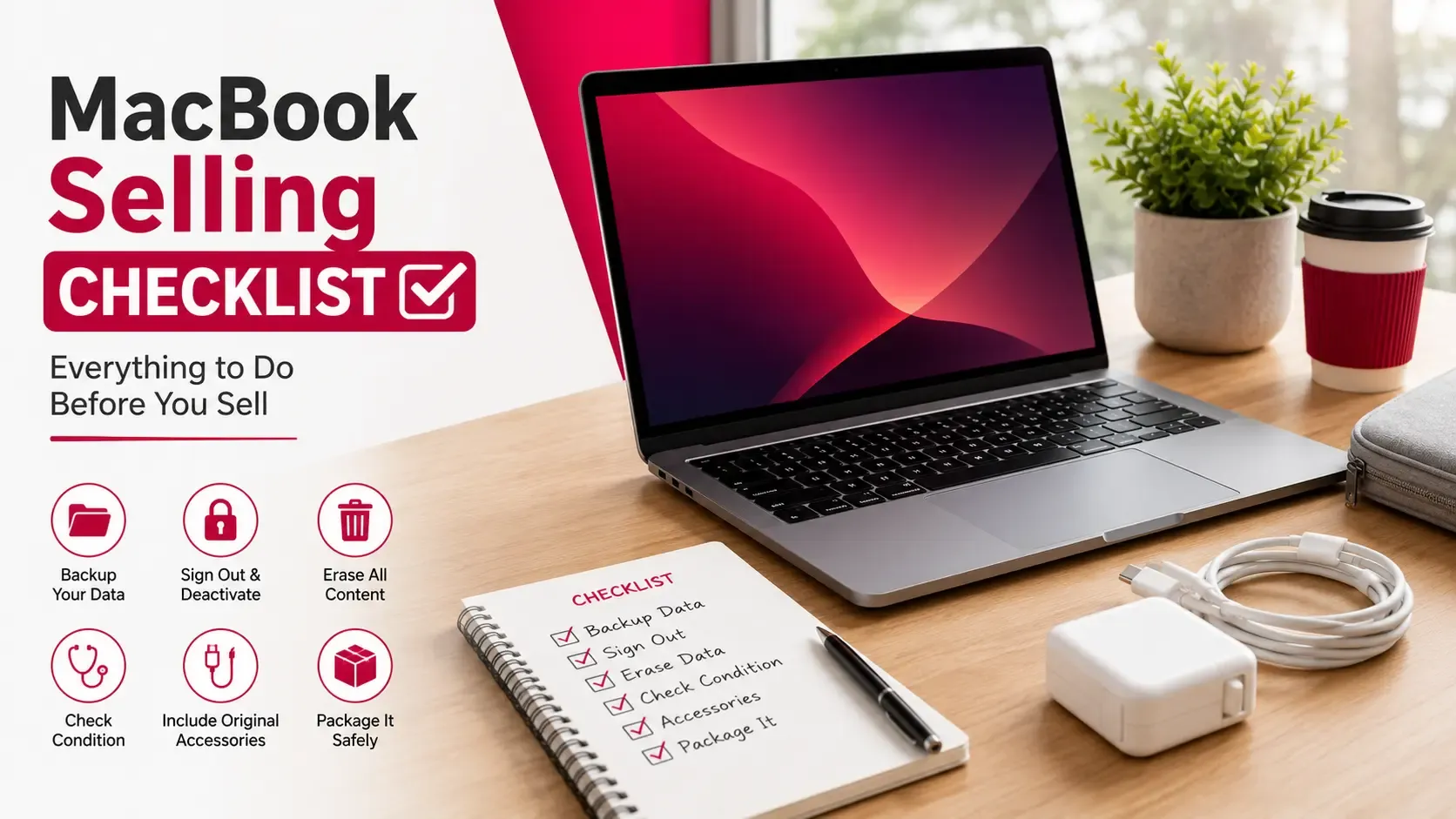
Selling your MacBook isn't just about finding a buyer or accepting the highest offer. A successful sale starts well before you list your device. Taking the time to prepare your MacBook properly can help protect your personal data, improve buyer confidence, and make the entire selling process smoother.
Many sellers focus only on setting a price, but buyers also pay attention to factors such as the MacBook's condition, battery health, included accessories, and whether it's ready for a new owner. Missing a simple step, such as forgetting to sign out of your Apple ID or failing to back up important files, can lead to unnecessary delays or complications.
Whether you're selling to upgrade, switching to another device, or simply no longer need your MacBook, following a structured checklist helps ensure nothing important is overlooked.
This guide walks through everything you should do before selling your MacBook, from protecting your data to preparing the device for its next owner.
Quick Answer
Before selling your MacBook, make sure you:
- Back up all important files.
- Sign out of your Apple ID and iCloud.
- Disable Find My Mac.
- Factory reset the device.
- Clean the MacBook thoroughly.
- Check the battery health.
- Gather the charger and any accessories.
- Decide on a realistic selling price.
- Prepare to answer common buyer questions.
Completing these steps helps protect your personal information while making your MacBook more attractive to potential buyers.
Key Takeaways
- Always back up your files before making any changes.
- Remove your Apple ID and disable Activation Lock.
- A factory reset protects your privacy and prepares the MacBook for its next owner.
- Cleaning the device improves first impressions.
- Battery health, accessories, and overall condition all influence buyer confidence.
- Research current market prices before deciding on an asking price.
- A well-prepared MacBook usually creates a smoother selling experience.
Step 1: Back Up Everything Important
Before doing anything else, create a backup of your MacBook.
Once you erase the device, recovering personal files becomes difficult or impossible. Spending a few minutes backing up your data ensures that important documents, photos, videos, and applications remain safe.
Depending on your preference, you can use:
- Time Machine
- iCloud Drive
- An external SSD or hard drive
- Another cloud storage service
Don't forget to back up:
- Documents
- Photos and videos
- Desktop files
- Downloads
- Browser bookmarks
- Password managers
- Application data
Taking the time to verify your backup before continuing provides additional peace of mind.
Step 2: Sign Out of Apple Services
After backing up your files, remove your Apple account from the MacBook.
This is one of the most important steps before selling because it prevents Activation Lock from remaining enabled.
Remember to sign out of:
- Apple ID
- iCloud
- Find My Mac
- Messages
- FaceTime
Removing these accounts allows the next owner to activate the MacBook without any account-related issues.
Skipping this step can delay the sale and create unnecessary complications for both you and the buyer.
Step 3: Factory Reset Your MacBook
Once your data has been backed up and your Apple account has been removed, the next step is performing a factory reset.
A factory reset removes your personal files, restores macOS to a clean state, and ensures the next owner receives a MacBook that's ready to set up from scratch.
Although the process varies slightly depending on the MacBook model and macOS version, completing this step is essential for protecting your privacy.
If you haven't done this before, see our guide on factory resetting your MacBook for detailed instructions.
Step 4: Clean Your MacBook
Presentation matters more than many sellers realise.
A clean MacBook immediately creates a better first impression and suggests that the device has been well looked after.
Take a few minutes to carefully clean:
- The display
- Keyboard
- Trackpad
- Exterior surfaces
- Charging port
- Ventilation areas
Use a soft microfibre cloth and avoid harsh cleaning products that could damage the display or finish.
Even if your MacBook has normal signs of use, removing fingerprints, dust, and everyday dirt helps it appear more presentable during inspections and photographs.
Step 5: Check Battery Health
Battery health is one of the first specifications many experienced buyers ask about.
A battery in good condition can increase buyer confidence, while a battery showing service recommendations may lead to additional questions or negotiations.
Before listing your MacBook, review:
- Battery health
- Cycle count
- Service recommendations (if any)
You don't necessarily need a perfect battery to sell successfully, but understanding its condition helps you answer buyer questions honestly.
Step 6: Gather the Accessories
Although the MacBook itself is the main item being sold, accessories help complete the package.
If available, gather:
- Original charger
- Charging cable
- Original box
- Purchase receipt
- Any included documentation
The charger is particularly important because most buyers expect it to be included.
Having everything organised before meeting buyers also creates a more professional impression.
Step 7: Review the Overall Condition
Before creating your listing, inspect your MacBook as though you were the buyer.
Look carefully for:
- Scratches
- Dents
- Display marks
- Keyboard wear
- Loose hinges
- Port damage
It's always better to identify and describe cosmetic imperfections yourself than have buyers discover them unexpectedly.
For additional practical advice before listing your device, read our guide on preparing your MacBook for sale.
Step 8: Decide on a Fair Selling Price
Setting a realistic asking price is one of the most important parts of selling your MacBook.
Some sellers price their device based on what they originally paid, while others simply copy listings they find online. Neither approach guarantees an accurate valuation because every MacBook differs in terms of condition, specifications, battery health, and market demand.
When deciding on a price, consider factors such as:
- MacBook model and year
- Processor (Intel or Apple Silicon)
- RAM capacity
- Storage size
- Battery health
- Cosmetic condition
- Included accessories
- Current resale demand
Researching similar devices can give you a good starting point, but remember that listings don't always reflect the final selling price.
If you're unsure where to begin, read our guide on how MacBook values are calculated. You can also see your MacBook's current market value before deciding on an asking price.
Step 9: Prepare for Buyer Questions
Most buyers will ask a few questions before arranging a meeting or making an offer.
Preparing your answers in advance helps the conversation go more smoothly and demonstrates that you're familiar with the device you're selling.
Common questions include:
- Which MacBook model is it?
- How old is the device?
- Has it ever been repaired?
- What's the battery health?
- Are there any faults or cosmetic issues?
- Is the original charger included?
- Why are you selling it?
Being honest and transparent builds trust. If your MacBook has scratches or has undergone a previous repair, explaining this clearly is usually better than letting buyers discover it themselves.
Step 10: Take Clear Photos
If you're creating an online listing, good photographs can make a significant difference.
Choose a well-lit area with a clean background and photograph the MacBook from multiple angles.
Useful photos include:
- Front view
- Back cover
- Keyboard
- Display turned on
- Side profile showing the ports
- Charger and accessories
- Original box (if included)
If there are cosmetic marks, photograph them clearly. Buyers generally appreciate accurate listings and are less likely to feel misled when they inspect the device in person.
Final Checklist Before You Sell
Before handing over your MacBook, go through this final checklist to make sure everything is ready.
Task | Completed |
Backed up important files | ☐ |
Signed out of Apple ID and iCloud | ☐ |
Disabled Find My Mac | ☐ |
Factory reset completed | ☐ |
Battery health checked | ☐ |
MacBook cleaned | ☐ |
Charger included | ☐ |
Accessories gathered | ☐ |
Asking price decided | ☐ |
Photos taken | ☐ |
Ready to answer buyer questions | ☐ |
Completing this checklist reduces the chances of delays, misunderstandings, or last-minute issues during the selling process.
Once everything is ready, you'll be in a much stronger position to sell a used MacBook in Dubai with confidence.
Frequently Asked Questions
What should I do before selling my MacBook?
Back up your files, sign out of your Apple ID, disable Find My Mac, factory reset the device, clean it thoroughly, gather accessories, and decide on a realistic selling price.
Do I need to factory reset my MacBook?
Yes. A factory reset removes your personal data and prepares the MacBook for its next owner. It also helps prevent activation and account-related issues.
Should I remove my Apple ID before selling?
Absolutely. Signing out of your Apple ID and disabling Activation Lock are essential steps before transferring ownership.
Should I include the charger?
Yes. Including the original charger makes the package more complete and meets the expectations of most buyers.
Does cleaning the MacBook really make a difference?
While cleaning doesn't increase the technical value of the device, it improves presentation and creates a stronger first impression during inspections.
How do I choose the right selling price?
Consider your MacBook's model, specifications, battery health, condition, and current market demand rather than relying solely on its original purchase price.
What information should I be ready to tell buyers?
You should know your MacBook's model, specifications, battery health, repair history, cosmetic condition, and which accessories are included.
Final Thoughts
Selling a MacBook is much easier when you prepare in advance. Following a structured checklist helps protect your personal information, reduces the risk of unexpected issues, and gives buyers greater confidence in your device.
From backing up your files and removing your Apple ID to cleaning the MacBook and gathering accessories, every step contributes to a smoother selling experience. Taking the time to prepare properly also allows you to answer buyer questions confidently and present your MacBook in the best possible light.
Whether you're upgrading to a newer model or simply no longer need your device, careful preparation can make the selling process more straightforward and efficient.
For more practical advice on valuing, preparing, and selling your MacBook, visit Sell My MacBook UAE.