
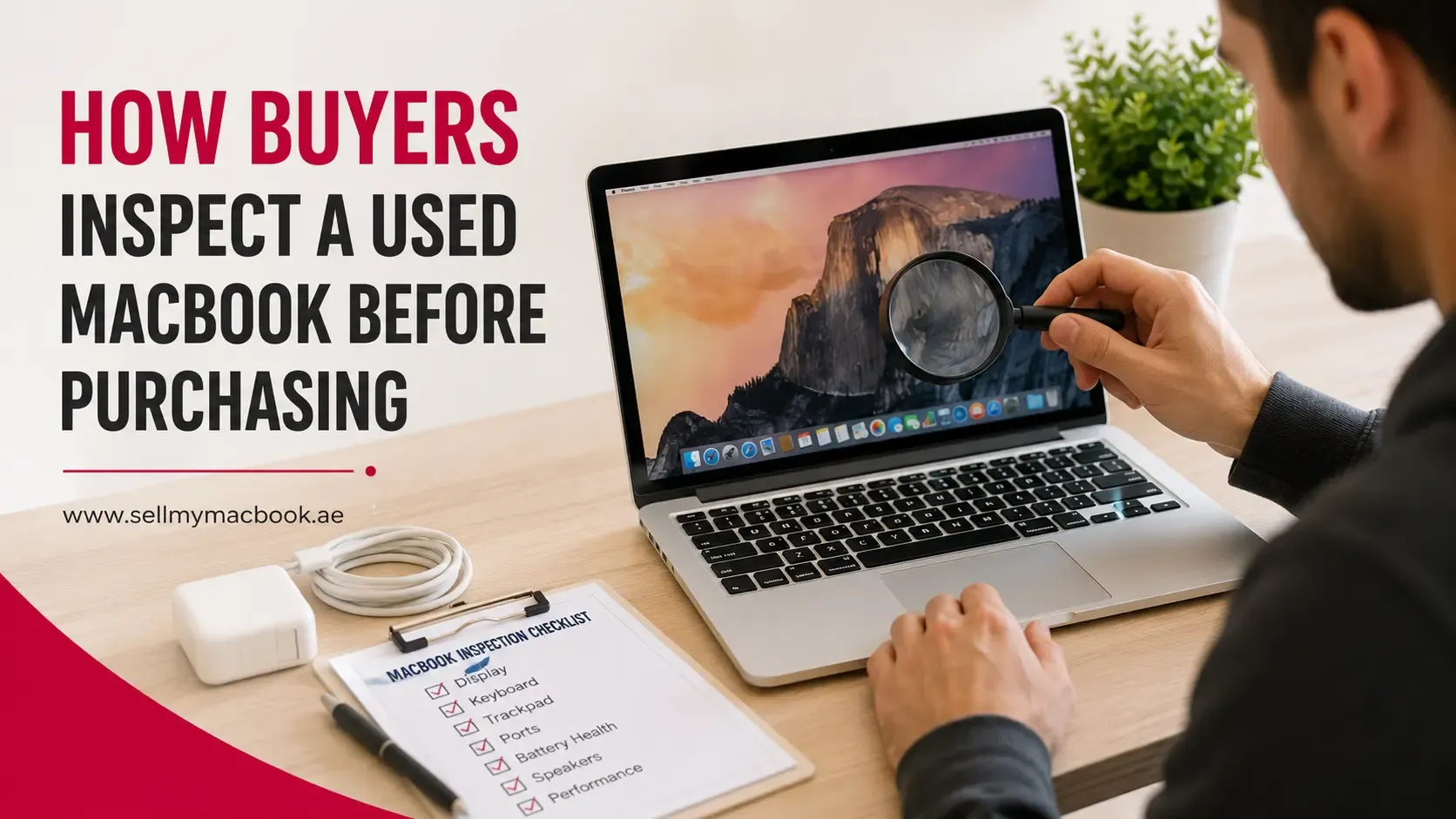
Buying a used MacBook is often a practical way to enjoy Apple's premium hardware at a lower cost. However, most buyers don't make a purchasing decision based on specifications alone. Before agreeing to a price, they usually inspect the device carefully to confirm that it matches the seller's description and is in good working condition.
For sellers, understanding this inspection process can be just as valuable as it is for buyers. Knowing what buyers typically look for allows you to prepare your MacBook properly, present it honestly, and address small issues before they become reasons for negotiation.
A thorough inspection isn't about finding perfection. Instead, buyers want confidence that the MacBook has been well maintained, functions as expected, and is fairly priced for its condition.
In this guide, we'll walk through the key areas buyers inspect before purchasing a used MacBook and explain how these checks influence their buying decisions.
Quick Answer
When inspecting a used MacBook, buyers typically check:
- Overall cosmetic condition
- Display quality
- Keyboard and trackpad functionality
- Battery health
- Ports and wireless connectivity
- Speakers, camera, and microphone
- macOS functionality
- Activation Lock and Apple ID status
- Included accessories
The better your MacBook performs in these areas, the more confidence buyers are likely to have in both the device and your asking price.
Key Takeaways
- Buyers evaluate both appearance and functionality before making an offer.
- Cosmetic condition often shapes the first impression.
- Battery health and display quality are among the most closely inspected features.
- Software issues and Activation Lock can delay or prevent a sale.
- Honest descriptions help build buyer confidence.
- Preparing your MacBook before viewings can improve the overall selling experience.
- A well-presented device is more likely to attract serious buyers.
Why Buyers Inspect a Used MacBook
Unlike purchasing a brand-new laptop, buying a used MacBook involves a degree of uncertainty. Buyers want reassurance that the device has been well cared for and doesn't have hidden problems that could require expensive repairs later.
A careful inspection helps buyers:
- Verify the seller's description.
- Confirm the MacBook functions correctly.
- Assess whether the asking price is reasonable.
- Identify signs of heavy wear or previous damage.
- Estimate the device's remaining lifespan.
Rather than looking for a flawless laptop, most buyers simply want confidence that they're making a sensible purchase.
Inspecting the Exterior Condition
The exterior is usually the first thing buyers notice.
Even before turning on the MacBook, its physical appearance creates an impression about how carefully it has been used.
Dents and Scratches
Small cosmetic marks are common on used laptops and don't necessarily affect performance.
However, larger dents, deep scratches, or damaged corners may lead buyers to wonder whether the MacBook has been dropped or handled roughly.
While minor wear is generally acceptable, significant cosmetic damage often influences negotiations.
Hinges
Buyers usually open and close the display several times to ensure the hinges feel smooth and stable.
A loose, stiff, or uneven hinge may indicate previous damage or excessive wear.
Bottom Panel
The underside of the MacBook can reveal signs of previous repairs or accidental damage.
Buyers may look for:
- Missing screws
- Bent panels
- Uneven gaps
- Signs that the bottom cover has been removed frequently
These observations don't automatically rule out a purchase, but they often encourage buyers to ask additional questions.
If you're unsure how your device's appearance might be perceived, read our guide on MacBook condition grades to understand how cosmetic condition typically affects buyer expectations.
Checking the Display
The display is one of the most valuable components of a MacBook, so buyers usually examine it carefully.
Screen Damage
Buyers inspect the display for:
- Cracks
- Chips
- Pressure marks
- Scratches
- Delamination on older models
Even small imperfections can influence perceived value, especially if they affect everyday use.
Brightness and Colour
Many buyers increase the display brightness to check for:
- Uneven lighting
- Discolouration
- Bright spots
- Flickering
These issues may indicate display wear or underlying hardware problems.
Dead or Stuck Pixels
Although uncommon, dead or stuck pixels are another item buyers often check, particularly when purchasing higher-end MacBook models.
Testing the Keyboard and Trackpad
A MacBook's keyboard and trackpad are used constantly, making them important parts of any inspection.
Keyboard
Buyers generally test every key to ensure:
- Keys register correctly.
- There are no sticky keys.
- The keyboard feels consistent.
- Backlighting functions properly if applicable.
Typing a short paragraph is often enough to identify potential issues.
Trackpad
The trackpad is also checked for responsiveness.
Buyers usually test:
- Clicking
- Scrolling
- Multi-touch gestures
- Cursor movement
A smooth, responsive trackpad contributes to a positive overall impression.
Evaluating Battery Health
Battery health plays an important role in buyer confidence because replacing a MacBook battery can represent an additional future expense.
Most experienced buyers check:
- Battery health status
- Cycle count
- Service recommendations
A MacBook with a healthy battery generally appears more attractive than one displaying battery service warnings.
While battery condition is only one part of the overall evaluation, it often influences negotiations, particularly on older devices.
Testing Ports and Connectivity
Buyers also verify that the MacBook's ports function correctly.
Depending on the model, they may test:
- USB-C or Thunderbolt ports
- MagSafe charging
- HDMI output
- SD card reader
- Headphone jack
Wireless features are commonly checked as well, including:
- Wi-Fi connectivity
- Bluetooth functionality
Working ports reassure buyers that the MacBook has not experienced hidden hardware issues.
Checking Speakers, Camera and Microphone
Most buyers perform a quick multimedia test before making a purchase.
This usually includes checking:
- Speaker quality
- Webcam clarity
- Built-in microphone
- Volume controls
Although these tests only take a few minutes, they help confirm that the MacBook is functioning normally across everyday tasks.
Verifying Software and Security
A MacBook may look excellent on the outside, but buyers also want to ensure it's ready for a new owner from a software perspective.
Before completing a purchase, many buyers check that the MacBook starts up normally, runs smoothly, and doesn't have any account or activation issues that could prevent them from using it.
Common software checks include:
- macOS boots without errors.
- Applications open and respond normally.
- Storage information is accurate.
- The MacBook isn't excessively cluttered with unnecessary files.
- System settings are accessible.
Apple ID and Activation Lock
One of the most important checks is confirming that the previous owner's Apple ID has been removed.
If Activation Lock is still enabled, the buyer may not be able to set up or use the MacBook after purchase. For many buyers, this is an immediate deal-breaker until the issue is resolved.
Taking the time to remove your Apple ID, disable Find My Mac, and factory reset the device demonstrates that the MacBook is ready for its next owner.
Before arranging a viewing, see our guide on preparing your MacBook for sale to ensure you've completed all the essential steps.
How Buyers Decide Whether the Price Is Fair
No experienced buyer bases a purchasing decision on just one factor.
Instead, they assess the MacBook as a complete package before deciding whether the asking price represents good value.
Typical considerations include:
- Processor generation
- RAM
- Storage capacity
- Battery health
- Cosmetic condition
- Overall functionality
- Age of the device
- Included accessories
- Current market demand
For example, a MacBook with excellent cosmetic condition but poor battery health may receive similar offers to a device with a healthy battery but more visible wear.
Buyers usually balance all of these factors together before making an offer.
If you'd like to understand what influences pricing in more detail, read our guide on how MacBook values are calculated.
Common Red Flags That Make Buyers Walk Away
While most used MacBooks show normal signs of use, certain issues can significantly reduce buyer confidence.
Some of the most common red flags include:
- Activation Lock still enabled
- Cracked or damaged display
- Battery service warning
- Liquid damage indicators
- Non-functional ports
- Missing charger
- Unexplained repairs
- Loud fan noise or overheating
- Significant dents suggesting impact damage
- Inconsistent information from the seller
Not every issue prevents a sale, but multiple concerns together often lead buyers to negotiate aggressively or continue looking elsewhere.
Being transparent about known faults helps build trust and avoids surprises during the inspection.
Seller Tips to Pass a Buyer Inspection
Preparing your MacBook before meeting a buyer doesn't require expensive repairs. Often, a little preparation goes a long way.
Consider the following steps:
- Clean the display, keyboard, and exterior.
- Fully charge the battery before the inspection.
- Sign out of your Apple ID.
- Factory reset the MacBook.
- Organise the charger and any included accessories.
- Be honest about cosmetic wear or previous repairs.
- Allow buyers to test the MacBook without rushing them.
These simple steps create a more professional impression and demonstrate that you've looked after the device.
If you're planning to sell a used MacBook in Dubai, understanding how buyers inspect a device can help you prepare more effectively and improve buyer confidence from the very first meeting.
Frequently Asked Questions
What do buyers usually check first on a used MacBook?
Most buyers begin by inspecting the cosmetic condition, including the display, keyboard, body, and hinges, before moving on to functionality and software checks.
Does battery health affect a buyer's decision?
Yes. Battery health is one of the most commonly inspected features because it influences everyday usability and potential future replacement costs.
Should I factory reset my MacBook before showing it to buyers?
Yes. A factory reset protects your personal information and demonstrates that the MacBook is ready for a new owner.
Do scratches reduce resale value?
Minor cosmetic wear is expected on many used MacBooks, but larger dents, deep scratches, or cracked displays may reduce buyer confidence and influence negotiations.
Do buyers check the serial number?
Some experienced buyers verify the serial number to confirm the MacBook's model and specifications and to ensure the information matches the seller's description.
Should I include the original charger?
Yes. Including a genuine charger helps complete the package and gives buyers confidence that they can start using the MacBook immediately.
Can I prepare my MacBook even if I don't plan to sell immediately?
Absolutely. Keeping your MacBook clean, maintaining battery health, and looking after its accessories can help preserve its resale value whenever you decide to sell.
Final Thoughts
A buyer inspection is not about finding a flawless MacBook, it's about reducing uncertainty. Buyers want reassurance that the device has been well maintained, functions correctly, and has been accurately represented.
Understanding what buyers typically inspect allows sellers to prepare more effectively, present their MacBook with confidence, and minimise unnecessary negotiations. Small details, such as cleaning the device, removing your Apple ID, and organising accessories, can leave a positive impression without requiring significant investment.
Whether you're planning to sell soon or simply want to maintain your MacBook's long-term value, taking a buyer's perspective can help you make better decisions throughout the ownership journey.
For more practical advice on preparing, valuing, and selling your MacBook, visit Sell My MacBook UAE.